Windows 7 Games Purble Place - How to Play Purble Shop - Tips and Tricks
Windows 7 has some very nice games shipped with it.
One of those Windows 7 games is Purble Place.
Purble Place is first introduced to Windows users with the release of Windows Vista.
Now it is a part of Microsoft Windows 7 games.
Purble Place is loved much by the kids at first seen.
The Purble Place Windows game including sub-games; the Comfy Cakes bakery game, Purble Pairs card pair game and the Purble Shop which is a version of Mastermind game with lovely game characters called Purbles became the most popular games of the children at once.
Parents loved the Purble Place game, too.
The reason is not only because these Windows Vista games, or Windows 7 games are safe for children, but Purble games help to improve their thinking abilities and attention.
I strongly suggest parents let their children play Purble Place Windows 7 games.
Here comes one of the Purble Place tricks I want to share with you!.
If you are at my ages, you have probably played The Mastermind, one of the most popular games of 1970 's and 1980 's.
Careful eyes will not miss the similarity between Mastermind game and the Purble Shop Windows game which is a part of the Purble Place games.
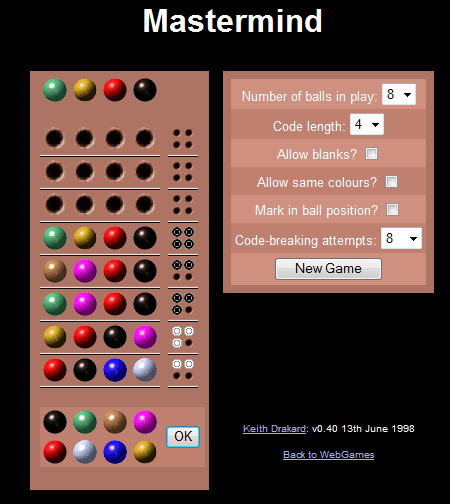
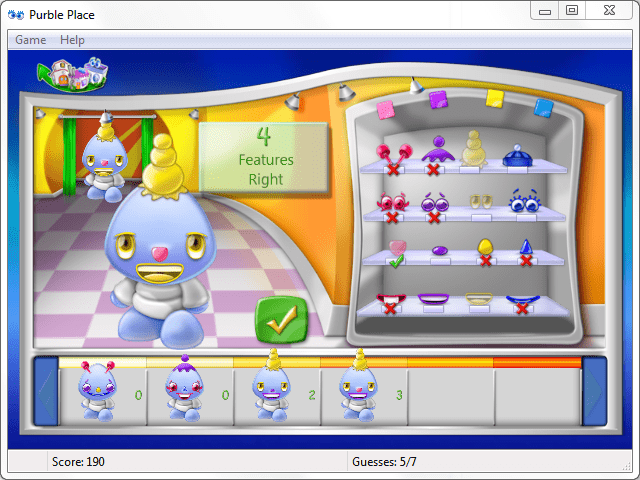
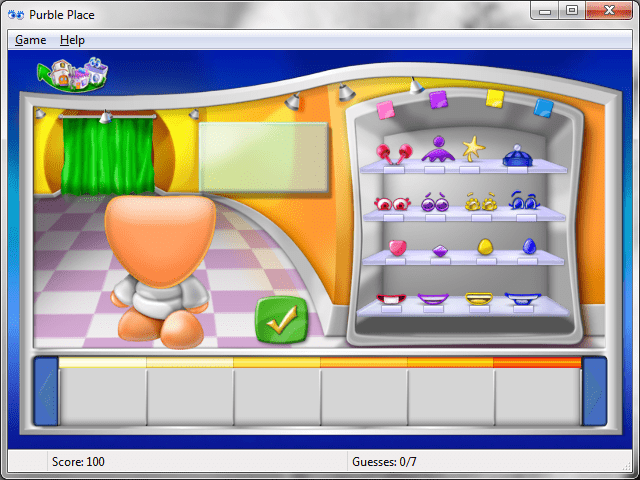
For whom can not remember or do not know about the Mastermind game, here is two screenshot from two games, Mastermind and Purple Shop to understand the similarities between two games.
|
|
| Mastermind game | Purble Place Game - Purble Shop |
I wanted to mention the similarity between Mastermind and Purble Shop Windows 7 game, because someone who wants to benefit fully from these new Windows 7 games, Purble Shop must use the same analysis and problem solution methods that is used for Mastermind.
So as parents, while your children are playing Purble Shop guide them to play the game just as Mastermind.
I know from my daughter, kids won't like to play so difficult games. Children want to enjoy the game. But the Purble characters are still very enjoyable in the game. Also the features like hats, eyes, nose, mouth and shoes are more lovely than each other in the game.
I think, as parent what is our duty while kids are playing the Purble Shop is we should make them think while they are enjoying good time on Purble Place Windows 7 games.
And encourage kids to prefer to play Purble Place games other than the other Windows 7 games.
Purble Shop game options
Windows 7 Purble Shop game has three levels of game difficulty. You can choose one of those game options according to your child's age. But for the first games, it is better to start from the easiest level to understand the rules and the logic of the game.
With gaining experience and skills in Purble Shop game, your child can move from Beginner level to Intermediate level and to Advanced level which is the highest difficulty in the Purble Shop Windows 7 game.
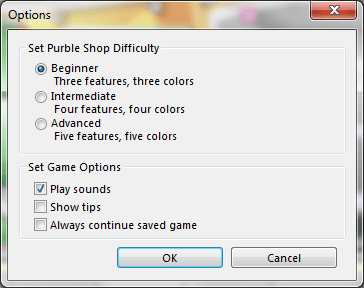
The Intermediate level has four features and four colors. The intermediate four features of Purble Shop are hat, eyes, nose and mouth.
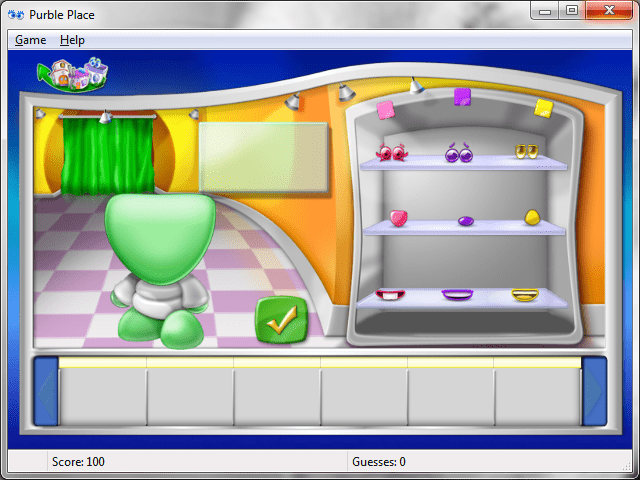
The Beginner level of Purple Shop has three features and three colors. These features are eyes, nose and mouth.
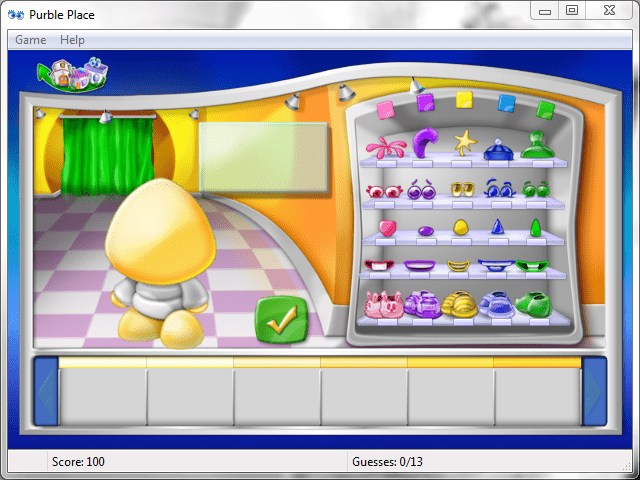
As the final level and the most difficult level in Purble Place - Purble Shop game, there are five features with five different colors. The five Purble Shop features in this level are hat, eyes, nose, mouth and shoes.
I believe not only the children but the parents will also love the Purble Place games and play Purble Place.