
Subscriptions cannot be created because the credentials used to run the report are not stored
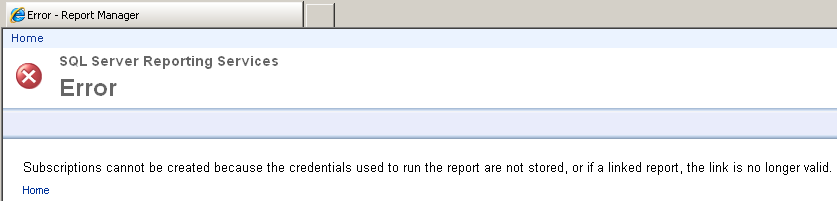
While trying to create a Reporting Services report subscription in SQL Server 2008 R2 Report Manager web application, I got the following SQL Server Reporting Services subscription error:
Subscriptions cannot be created because the credentials used to run the report are not stored, or if a linked report, the link is no longer valid.
To overcome this report subscription error, I goto Home of the Report Manager web site, then displayed Data Sources folder. When you display the Properties tab of the Data Source that the related report is using, check the section "Connect using"
You can store credentials here so that the Reporting Services report subscription can use use saved credentials for connecting to database.
Choose the option : "Credentials stored securely in the report server" and provide a valid username and password
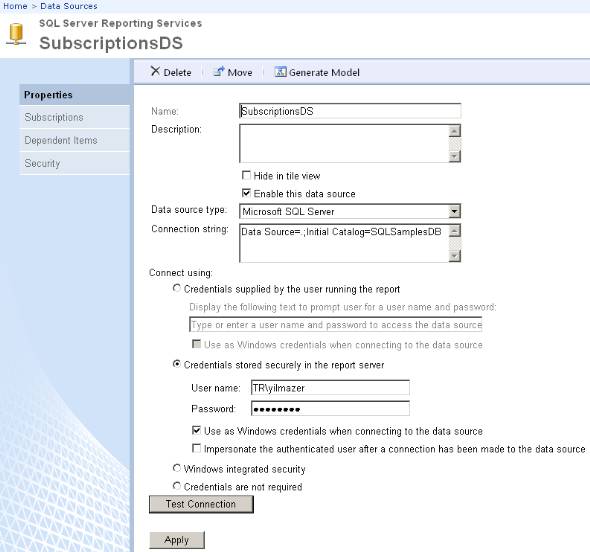
After you validate the stored credentials using Test Connection buton, you can use the shared data source while creating subscriptions in SQL Server Reporting Services